Medical imaging
in your browser
View CT scans, MRI, and X-rays instantly.
No uploads. No installs. No account.
100% free. 100% private.
How it works
Select your DICOM folder
Open the folder from your medical imaging disc or any DICOM directory on your computer.
Browse your studies and series
openrad reads the DICOMDIR index to show all your studies, series, and slices.
View, scroll, and analyze
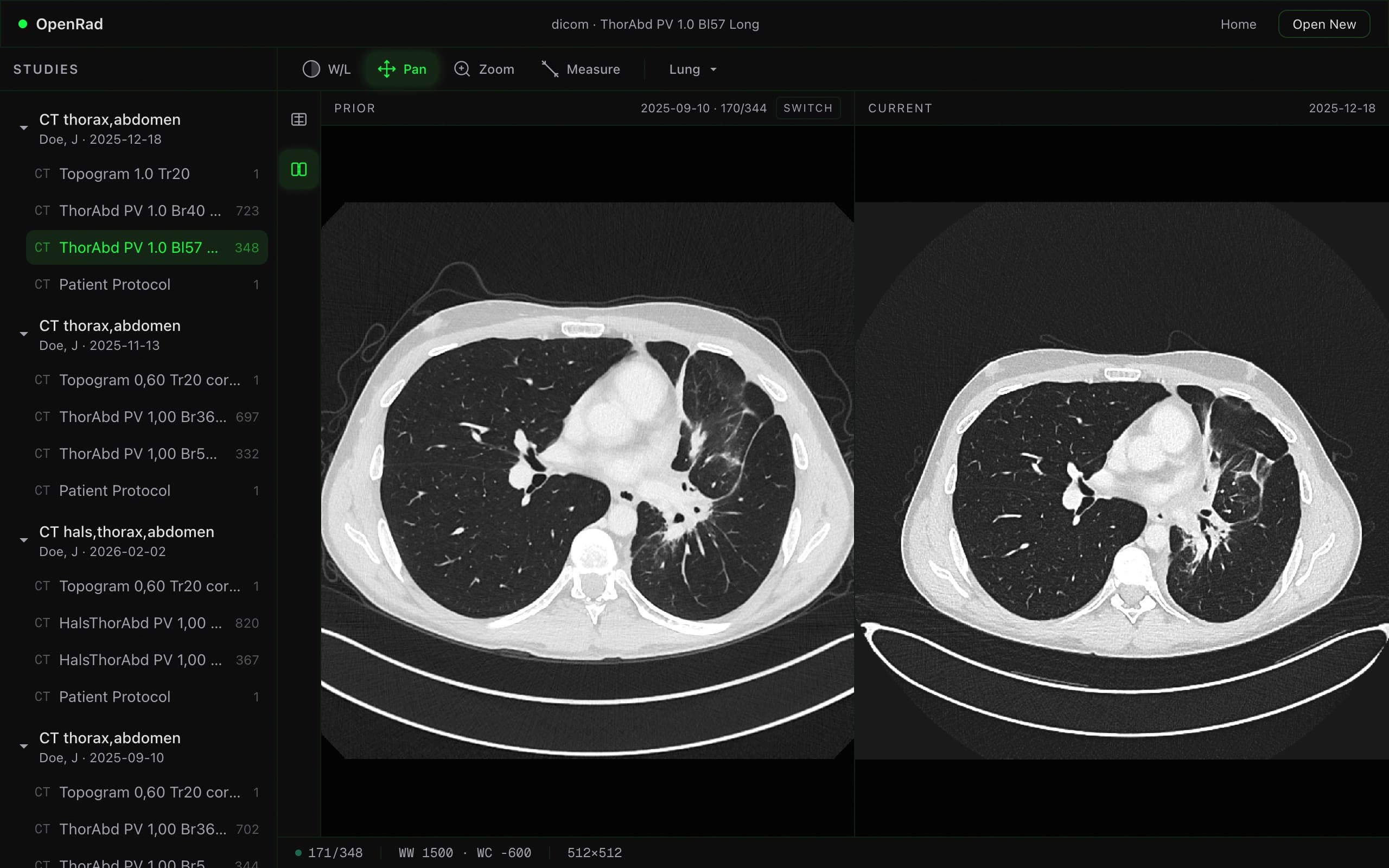
Scroll through slices, adjust window/level presets, zoom in, and take measurements.
Features
Private
Your files never leave your device. Everything runs locally in your browser — zero uploads, zero servers.
Instant
No waiting, no downloads, no installs. Just open your DICOM folder and start viewing scans immediately.
Side-by-Side Compare
Compare prior and current studies side by side with synchronized scrolling and linked window/level.
Topogram Navigation
Click anywhere on the scout image to jump to that slice instantly. Navigate large series with ease.
AI ChatComing Soon
Ask questions about your scans using AI — get explanations, measurements, and insights without leaving the viewer.
Open Source
Fully open source and free to use. Inspect the code, contribute, or self-host — no vendor lock-in.
Supported Formats
DICOM
.dcm and extensionless files
DICOMDIR
Auto-detected index file
Raw DICOM
Folder scan fallback
Multi-frame
Enhanced DICOM
Modalities